> For the complete documentation index, see [llms.txt](https://help.simpledealersuite.com/simple-recon/llms.txt). Markdown versions of documentation pages are available by appending `.md` to page URLs; this page is available as [Markdown](https://help.simpledealersuite.com/simple-recon/simple-recon/mobile-app-tutorial/search-inventory.md).
# Search Inventory
If you are looking for a specific vehicle, you can tap the three horizontal bars on the top right and then click on 'Search Inventory' option.
Type in a Stock or VIN number and tap the 'Search' button
The results will show all vehicles that match that search.
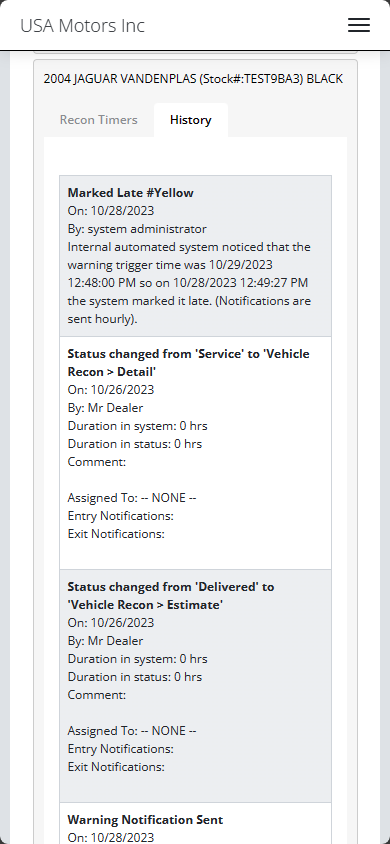
Each vehicle will have two tabs, Recon Timers and History.
* Recon Timers shows all open timers for that vehicle.
* History shows you all the activity that happened for the vehicle.